Get in the Game

Download SWG Talon

Choose your game, download the launcher, and use one account to play both Talon galaxies.

Recommended • Main server

Talon NGE Client

Download the full NGE game client. Choose this for the main Talon galaxy with later-era combat and space gameplay.

Download Talon NGE
Classic sandbox • Core3

Talon Pre-CU Client

Download the classic Pre-CU client for Talon's separate Core3 galaxy. Keep it in a different folder from NGE.

Download Talon Pre-CU
Required for both games

SWG Talon Launcher

Install one launcher to scan, update and play either Talon NGE or Talon Pre-CU.

Download Launcher

One account. Two galaxies.

Register once, then use the same account name and password for Talon NGE and Talon Pre-CU.

Create Game Account

How to install SWG Talon

Follow these steps in order. NGE and Pre-CU must be extracted into separate folders.

  1. Create your account. Register once using the button above. The same login works on both Talon galaxies.
  2. Download your client. Choose Talon NGE or Talon Pre-CU above and wait for the ZIP download to finish.
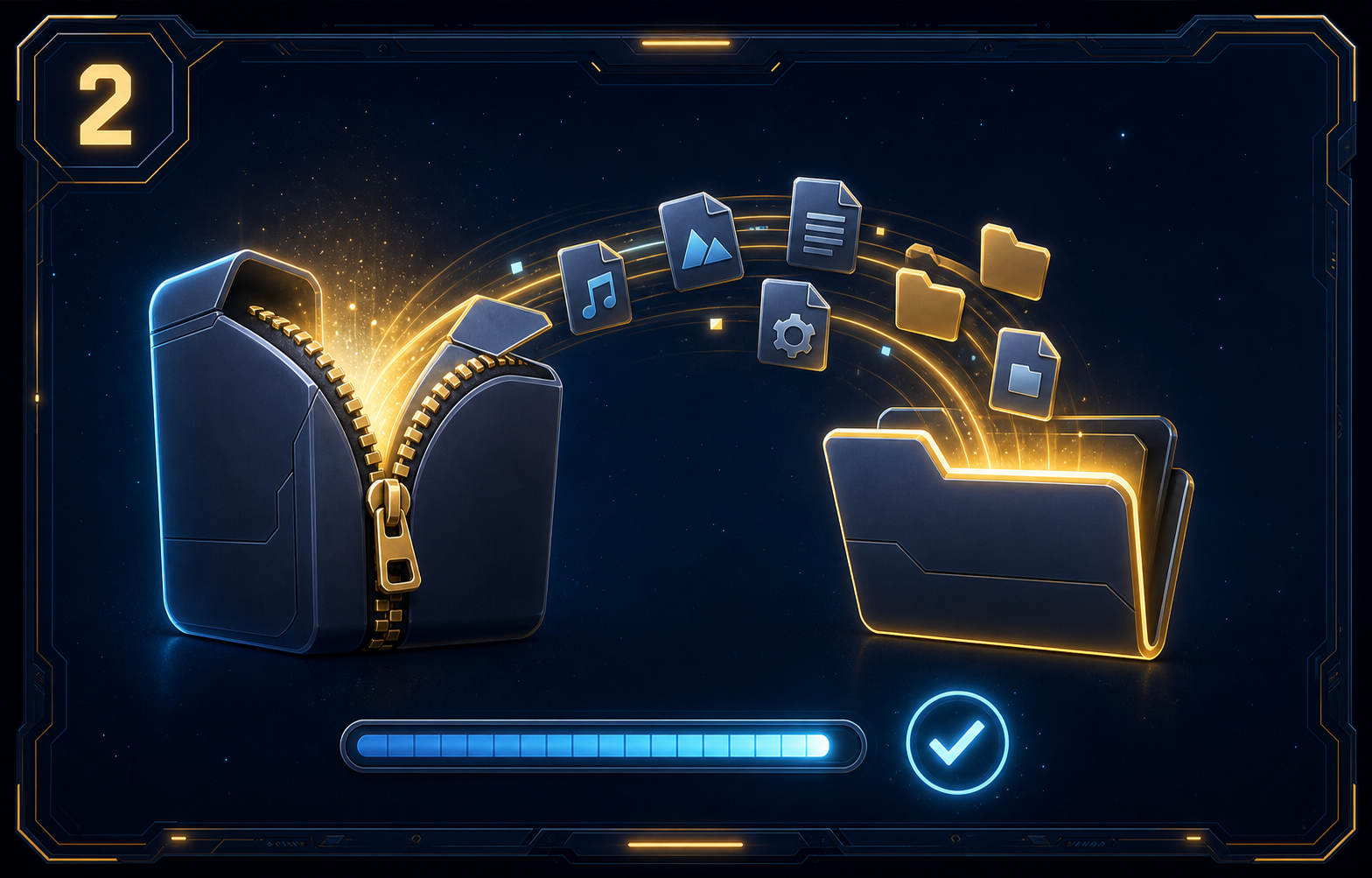
  3. Extract the ZIP. Right-click it, choose Extract All, and select a simple folder such as Desktop\Talon NGE. Never run the game from inside the ZIP.
    Show extraction exampleExample of extracting the Talon client ZIP
  4. Install the launcher. Download it above, open the setup file, press Next, then Install and Finish.
  5. Select your galaxy and folder. In the launcher choose SWG Talon (NGE) or SWG Talon (Pre-CU), press Install Location, and select the extracted client folder.
  6. Scan and configure. Let the launcher finish checking the files. Run SwgClientSetup_r.exe for NGE or SWGEmu_Setup.exe for Pre-CU and choose your screen resolution.
  7. Play. Return to the launcher, confirm the correct galaxy is selected, and press Play.
Having trouble? Check that Install Location points to the extracted client folder, not the ZIP file. Keep NGE and Pre-CU in separate folders.
Need help? Join Discord if a download will not start, the launcher cannot find your game, or patching does not finish.